
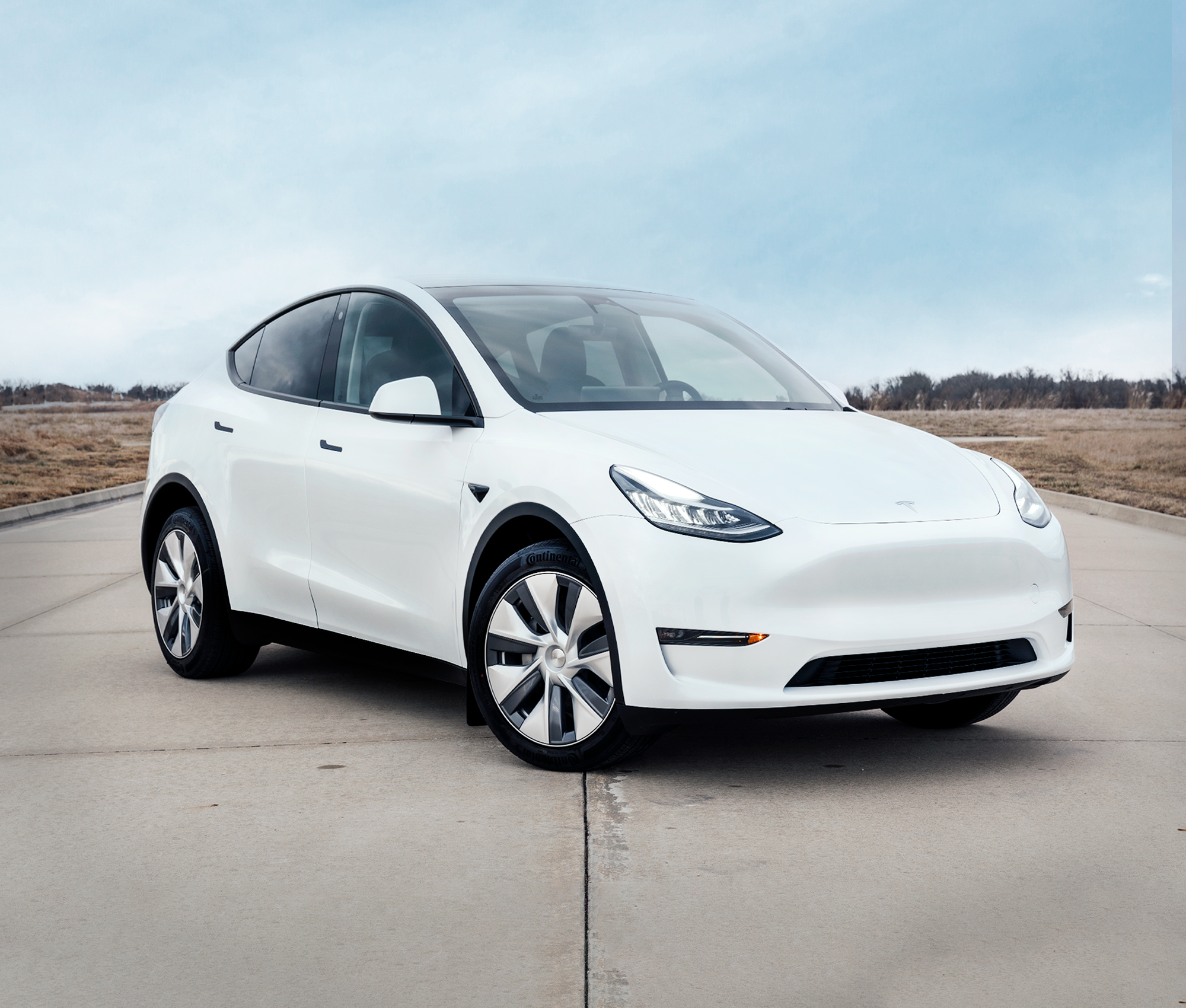
Book a Tesla in your designated location via our online reservation system.
Upon booking, you will receive a series of text messages that walk you through the pickup process (damage waiver [optional], payment, license verification, insurance, etc.).
Collect your Tesla using our digital key system and 24/7 customer support.
Enjoy your trip. Return the car to the designated pickup location.
In what cities is Vehicle Solutions available in?
Rental Process
Vehicle Solutions is available in the following cities, with new locations every month:
What do I need to rent a Tesla?
Rental Process
You will need your auto insurance card, license, and payment method to rent with Vehicle Solutions. For a full breakdown of requirements to rent a Vehicle Solutions, please see our eligibility policy here.
How much does it cost to rent a Tesla?
Rental Process
The daily rate for a Tesla rental varies on the model you select. You can check search here for the most up-to-date rates. We also offer long-term rental options. If that’s a need you have, please reach out to our customer support team and they will be happy to assist you.
Where do I pick up the car?
Rental Process
During the online reservation process, you will select from a list of locations where you can pick up and return your vehicles.
How old do you have to be to rent with Vehicle Solutions?
Driving
You must be at least 25 years of age to rent with Vehicle Solutions.
What fees does Vehicle Solutions charge?
Booking
Fees
Vehicle Solutions was founded out of frustration with the ambiguous fee structure of traditional rental car companies. In light of that, please see our Fee Policy here for a complete list of our (potential) fees.
Is auto insurance required to rent with Vehicle Solutions?
Insurance
Yes, you must have an active auto insurance policy that meets our minimum coverage requirements and is transferable to short-term rentals in order to rent with Vehicle Solutions.
Your policy must meet all of the following requirements:
Active Policy: Your insurance policy must be active at the time of rental.
Bodily Injury: Minimum $100,000 per person and $300,000 per occurrence.
Property Damage: Minimum $100,000 per occurrence.
Comprehensive Coverage: ACV coverage required with a deductible of $1,000 or less.
Collision Coverage: ACV coverage required with a deductible of $1,000 or less.
If you do not have insurance that meets these requirements, unfortunately, we cannot rent to you.
We also do not accept auto insurance from the following providers:
Direct Auto
Safeco
Root
Dairyland (except in North Carolina)
Toggle
The General (unless insured vehicle is being serviced)
First Chicago
Rentalcover
Allianz
AALL
Accord
National General
First Acceptance
Hugo
Trexis Insurance
Bristol West
For a full breakdown of requirements to rent a Vehicle Solutions vehicle, please see our eligibility policy
here.
What are the minimum insurance requirements to rent?
Insurance
To rent with Vehicle Solutions, you must have an active auto insurance policy and meets the following minimum requirements:
Bodily Injury: Minimum $100,000 per person and $300,000 per occurrence.
Property Damage: Minimum $100,000 per occurrence.
Comprehensive Coverage: ACV coverage required with a deductible of $1,000 or less.
Collision Coverage: ACV coverage required with a deductible of $1,000 or less.
Your policy must be active at the time of rental. If your insurance does not meet these requirements, we unfortunately cannot rent to you.
For the complete eligibility requirements, please see our
eligibility policy.
Does the damage waiver cover damage to other vehicles?
Insurance
The damage waiver does not cover damage caused to another vehicle, however, the minimum state liability insurance that we require would cover any damage to another person’s vehicle.
Do I need a physical key?
Digital Key
No, our support team will send you a digital key via text before your rental begins. It will remain active for the duration of your trip.
What is Charge Key?
Digital Key
Charge Key is a digital car key that gives you access to your vehicle through a simple link, without needing any physical keys or additional accounts. When you charge the vehicle at a Supercharger, payments are automatically processed using your saved payment method - no need to pay at the charger or request reimbursements later.
How do I use Charge Key?
Digital Key
Using Charge Key is simple:
Your rental company will send you a secure digital key link
Click the link to access your vehicle throughout your rental
Download the Charge Key app for seamless Bluetooth unlocking
Enjoy automatic charging payments - no manual transactions needed
Do I need to download the Charge Key app?
Digital Key
While you can use Charge Key through your web browser, we highly recommend downloading the app. It gives you better functionality like:
Each rental day has a mileage allowance of 250 miles, averaged out over the duration of the rental period. We charge excessive mileage at a rate of $0.50 per mile. We do offer an unlimited mileage add-on.
Do I still need personal car insurance if I opt in for the damage waiver?
Driving
Insurance
Yes, the damage waiver is an additional form of protection, but is not an insurance policy.
What is the mileage range with each charge?
Mile Range
The following are the EPA-estimated mileage ranges for each Tesla model available for rent:
Model 3 Long Range: 341 miles
Model Y Long Range: 310 miles
Model 3: 272 miles
Model Y: 260 miles
Model S: 405 miles
Model X: 335 miles
Note: Actual range may vary based on factors such as weather conditions, driving habits, terrain, and battery usage. Please see our disclaimers here.
What are my options to charge the Tesla?
Charging
Your best option is to use a Tesla SuperCharger. A list of locations offering this service can be found through the navigation system on the vehicle. We will bill your payment method on file for accrued charging fees at Tesla Superchargers periodically throughout your trip.
Third-party charging options can also be utilized (we include a J1772 adapter with every vehicle). We recommend using the PlugShare or ChargePoint app to locate third-party charging points.
What are some tips for charging a Tesla?
Charging
Aim to charge your Tesla to about 90% fully charged. It’s actually not ideal for the vehicle to be fully charged consistently. For this reason, your Tesla will be 80-90% charged upon pickup. You should also precondition the battery for optimal charging by navigating to a designated Super Charger. Instructions on how to do this can be found here.
What if I need help with my Vehicle Solutions rental?
Support
We have a dedicated concierge team available to you 24/7. For more information, please visit our contact page.
You may use toll roads as needed. Toll activity associated with the vehicle will be processed through our toll system and invoiced to you.
Can I use my own toll tag, transponder, or toll account?
Tolls
Driving
Rental Process
No. Guests are not permitted to use their own toll tag, transponder, or personal toll account with the vehicle. Do not add the vehicle, license plate, or VIN to a personal toll account.
Using a personal toll tag or account may interfere with toll processing and result in duplicate charges or other billing issues.
Who is responsible for toll charges?
Tolls
Driving
Rental Process
Guests are responsible for all tolls incurred during their trip, including tolls assessed through the vehicle's toll equipment or license plate.
How and when will I be invoiced for tolls?
Tolls
Rental Process
Toll charges are invoiced weekly as they are received and processed. A 25% administrative fee is added to all toll charges.
Because toll agencies do not always report charges immediately, you may receive an invoice for tolls up to 12 months after your trip has ended. You remain responsible for all tolls incurred during your trip regardless of when they are received and invoiced.
What is the 25% administrative fee?
Tolls
Rental Process
The 25% administrative fee covers the processing and administration of toll activity.
What if I believe a toll charge is incorrect?
Tolls
Rental Process
If you believe a toll charge on your invoice is incorrect, please contact our team and provide the invoice and toll information so the charge can be reviewed.